

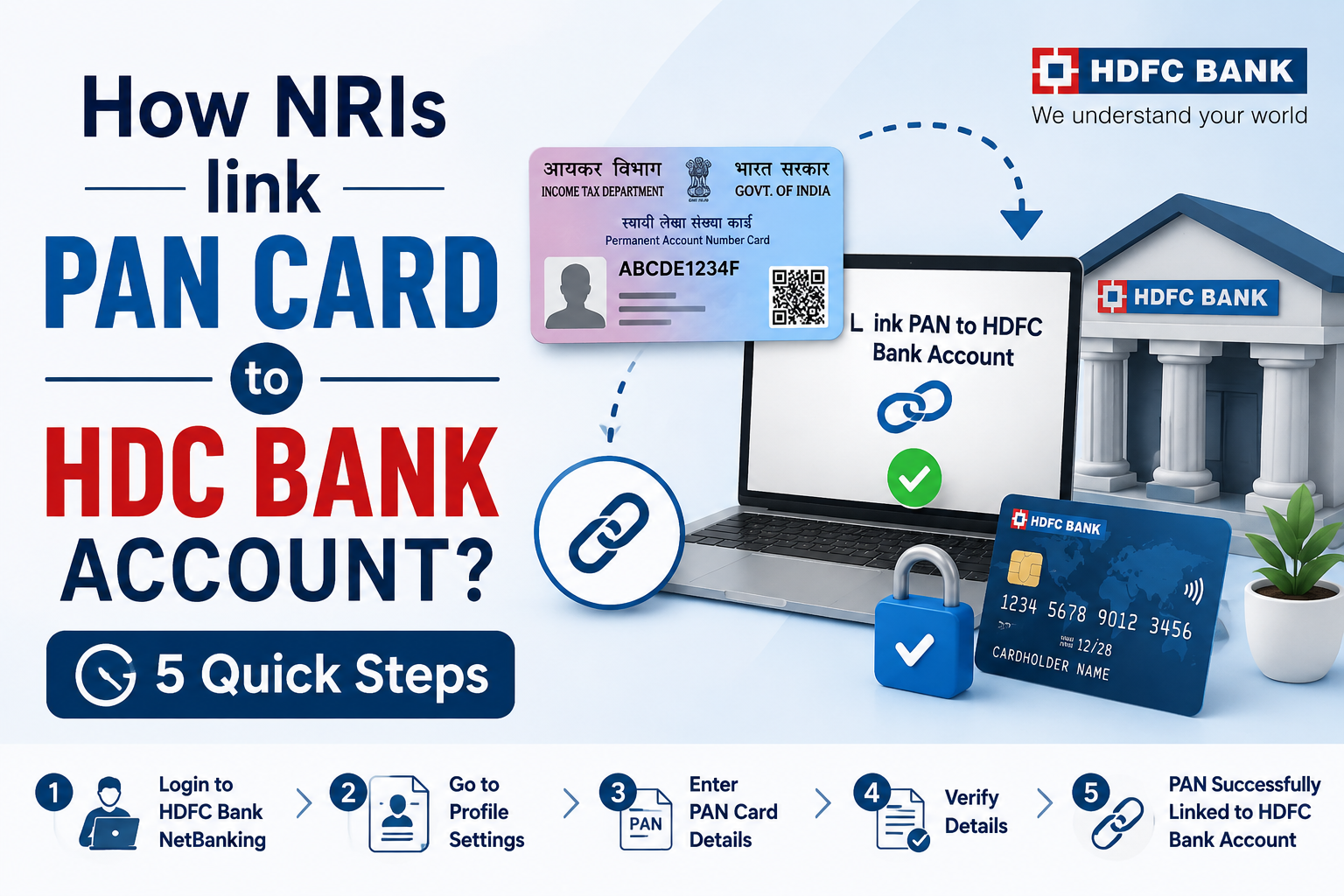
In year 2017, the government made it mandatory to link PAN to a bank account. So if you have an HDFC account, this Guide is for you. HDFC Bank allows 3 methods for customers to link PAN to their bank account, i.e net banking, mobile app, and offline by visiting an HDFC Bank Branch.
Keep reading to know the process of HDFC PAN card linking via all 3 methods:-
5 Steps to Link PAN Card to HDFC Bank Account via Netbanking
Follow the simple process given via Netbanking-
Step 1:- Visit the Website of HDFC Bank or click on the” Account tab. In which click on “Update PAN”
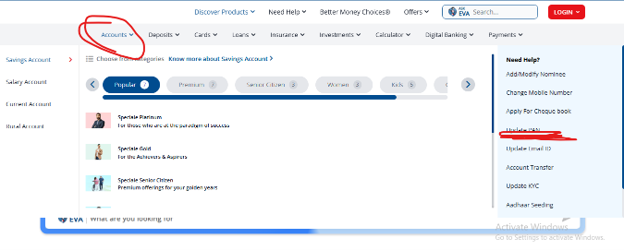
Step 2: Now choose Update Online

Step 3: Check the Eligibility before linking your PAN given below-
- Must be 18 years of age or older.
- Must be a Resident Indian or Non-Resident Indian (NRI).
- Must have an active HDFC Bank Savings or Salary Account, or an HDFC Bank Credit Card.
- Your PAN is not already updated in HDFC Bank’s records.
- Keep your PAN Card details readily available.
- Have your Debit Card, Credit Card, NetBanking credentials, or Aadhaar ready for identity verification.
Note:- HDFC Bank usually updates your PAN details within 4 working days after successful verification. You’ll receive an SMS or email confirmation once the update is complete. Online PAN updates are available only for individual customers. Non-individual entities must visit an HDFC Bank branch.
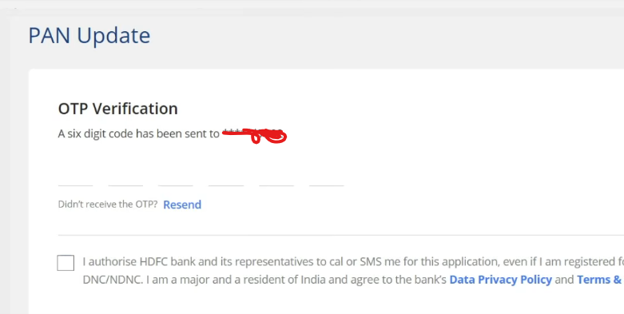
Step 4:- Enter your registered Mobile Number and Date of Birth and click on “GET OTP”.
Step 5: This is the Final step. Enter your new PAN details and then click on Continue Details.
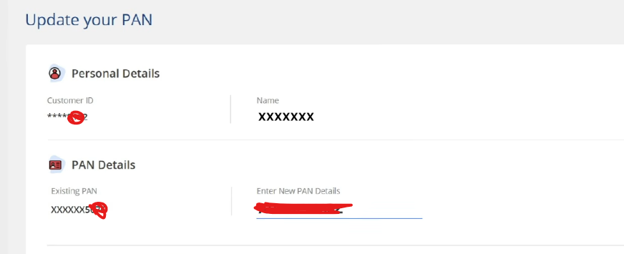
Note: A pop-up will appear on the screen. Check that the details you fill are correct, and then submit.
After this, you will get a confirmation message –Look like the image below-

5 Steps NRI to Link PAN Card to HDFC Bank Account Via Mobile App
Step 1:- Download the “HDFC Bank App: Banking & Cards” on your Mobile Phone.
Step 2: Click the Personal Profile page in the menu section.
Step 3:- Now click on the Update PAN link and then submit your new PAN details.
Step 4:- Verify your details
Step 5:- Finally, you get a confirmation message.
5 steps to link PAN Card to HDFC Bank account offline
Step 1:- Visit the Website of HDFC Bank or click on the” Account tab. In which click on “Update PAN”
Step 2:- Now choose “Locate Branch”
Step 3:- Select the state and city, and go to the branch that is suitable for you along with the documents given below-

- PAN Card Copy
- HDFC Customer Request Form
- Proof of Identity/Address i.2 Aadhaar card
- An e-PAN downloaded from the official Income Tax/NSDL portal or proof of PAN surrender/change if modifying your existing PAN number.
Step 4:- Submit the details and documents to the branch
Step 5: Their team will update the details online and send you a confirmation message.
Summary
In summary, it is important to link your PAN card to your HDFC Bank account to ensure full access to all banking services, avoid unnecessary tax deductions, and maintain compliance with government regulations. Whether you choose the convenient online option or prefer to handle it in person at a branch, the process is simple, fast, and important to your financial well-being.
Don’t delay—take the necessary steps today to keep your HDFC Bank account fully functional and compliant.
