

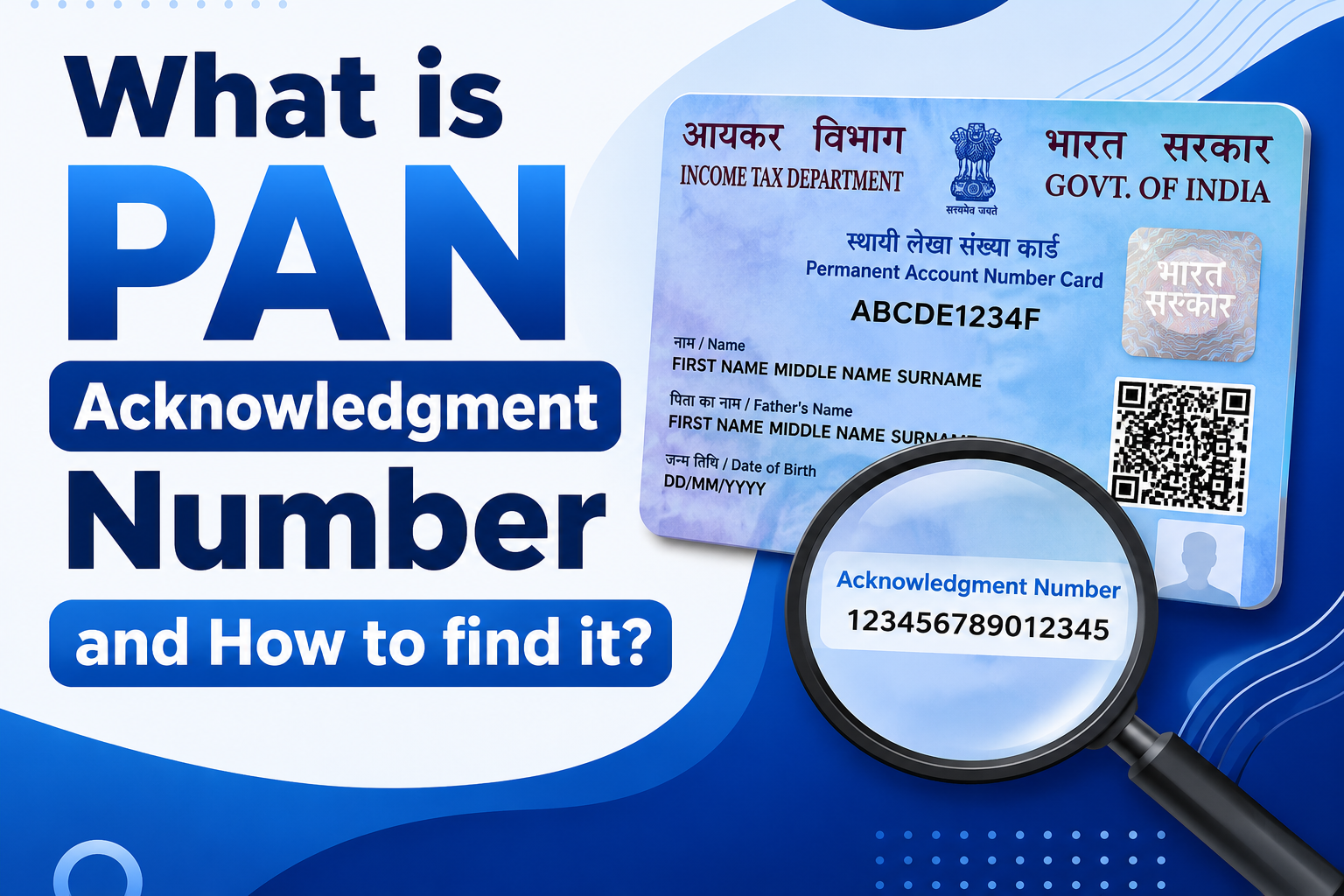
The PAN card plays an important role in identity verification, and it helps deal with tax evasion. Here, we examine key features of the PAN Acknowledgment Number that you could find useful.
Key Takeaways
- PAN acknowledgement number is a unique reference number assigned when you successfully submit your PAN application.
- There are two different websites Protean (previously NSDL), provides 15-digit acknowledgement number and UTIITSL, provides 9-digit Application Coupon Number.
- You can easily get the acknowledgement number on the acknowledgement slip, confirmation email, SMS, or application receipt.
- Acknowledgement number is used to track the status of your PAN application and download your e-PAN
What is a PAN Card Acknowledgement Number?
A PAN card acknowledgement number is a unique number generated after submitting your PAN application successfully.
There are two ways to apply through Protean (previously NSDL) and UTI Infrastructure Technology and Services Limited (UTIITSL).
If you apply from Protean, then you’ll be given a 15-digit acknowledgement number, and from UTI Infrastructure Technology and Services Limited (UTIITSL), you will be given a nine-digit Application Coupon Number of 9 digit.
How to Find PAN acknowledgment number?
When applying for a new PAN Card or updating your existing card, an acknowledgement slip is emailed to the email address that you provided. If applying offline, the agent to whom the form is sent will issue the applicant with a PAN Card acknowledgement number upon receipt of the application.
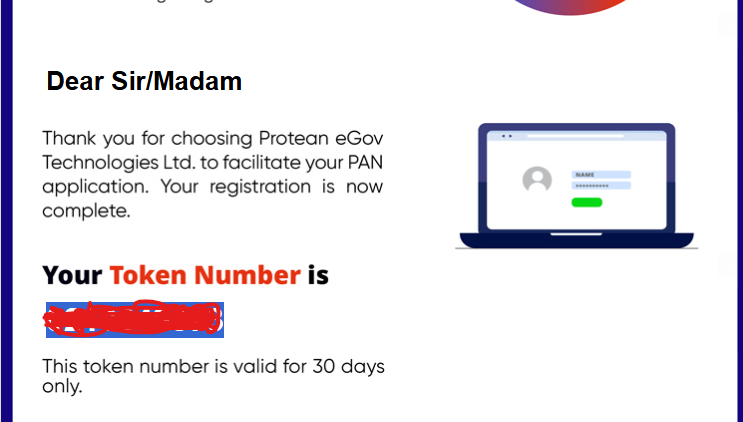
How to get PAN Acknowledgment number via Online and offline modes?
Get PAN Acknowledgment Number via Online Mode
- Submit your PAN application through the official portal (Protean or UTIITSL).
- Upon successful submission, a PAN acknowledgment number is generated immediately and sent to your registered email address.
- Download or keep the acknowledgement receipt for future reference.
- Track the status of your PAN application online using the acknowledgment number provided.
Get PAN Acknowledgment Number via Offline Mode
- Submit the PAN application form to an approved PAN Service facility.
- Submit all the required documents along with the application form.
- After successfully submit, the PAN Service agent will issue you with an acknowledgment receipt.
- Keep your acknowledgment receipt safe as it contains your acknowledgment number.
Note: The acknowledgment number is issued only after your PAN application has been successfully submitted and accepted. It serves as proof of application and is required for tracking your PAN application status.
How to Download PAN Card Using Acknowledgement Number?
Step 1:- Visit the Official Website- https://www.proteantech.in/
Step 2:- Navigate to Tax Modernization → PAN and click the “Apply Now” button to start your PAN application.
Step 3:- On the PAN services page, click on the Download e-PAN / e-PAN XML option from the top menu to access the e-PAN download page.
Step 4:- Select the Acknowledgement Number option and enter your 15-digit PAN Acknowledgement Number, Month and Year of Birth/Incorporation, complete the reCAPTCHA verification, and click Submit to proceed with downloading your e-PAN.
Step 5:- The next step is to generate a Time Password (OTP). Select the “Generate OTP” option. For this Provide your phone number and email address.
Step 6:- validate your OTP.
Step7:- Your PAN card will be download in PDF version. To open it, use the date of birth in the DDMMYYYY format.
How to Track PAN Card Status by PAN Acknowledgement Number?
Step 1: Visit the Official Protean Website
Go to the official Protean PAN services website and open the Know Your PAN Application Status page.
Step 2: Click on “Know Your Application Status”
On the Protean PAN homepage, click the Know Your Application Status option. This will redirect you to the PAN/TAN application status tracking page.
Step 3: Enter Your PAN Application Details
On the Track Your PAN/TAN Application Status page:
- Select PAN – New / Change Request from the Application Type dropdown.
- Choose the Acknowledgement Number option.
- Enter your 15-digit PAN Acknowledgement Number in the required field.
- Complete the I’m not a robot (reCAPTCHA) verification.
- Click the Submit button to check the current status of your PAN application.
Tip: To avoid mistakes in tracking your application, enter the right 15-digit acknowledgment number exactly as it appears on your PAN acknowledgment receipt.
Frequently Asked Questions (FAQs)
1. Can I track my PAN application without the PAN Acknowledgement Number?
No. The easiest way to track your PAN application is by using the 15-digit PAN Acknowledgement Number. If you have misplaced it, you can retrieve it from your acknowledgment receipt or the confirmation email sent after submitting your PAN application.
2. Is the PAN Acknowledgement Number different from the PAN Number?
Yes. The PAN Acknowledgement Number is a temporary 15-digit reference number generated when you submit your PAN application, whereas the PAN Number is the permanent 10-character alphanumeric number issued after your application is approved.
3. Can I download my e-PAN using the PAN Acknowledgement Number?
Yes. You can download your e-PAN from the Protean portal by selecting the Acknowledgement Number option and entering the required details, provided your PAN has already been allotted.
4. What should I do if I lose my PAN Acknowledgement Number?
If you lose your acknowledgment number, check the acknowledgment receipt or the confirmation email received during the PAN application process. If you are unable to find it, contact the PAN service provider (Protean or UTIITSL) for assistance.
5. How long is the PAN Acknowledgement Number valid?
The PAN Acknowledgement Number remains valid until your PAN application is processed. It can be used to track your application status, download your e-PAN (when eligible), and communicate with the PAN service provider regarding your application.
