

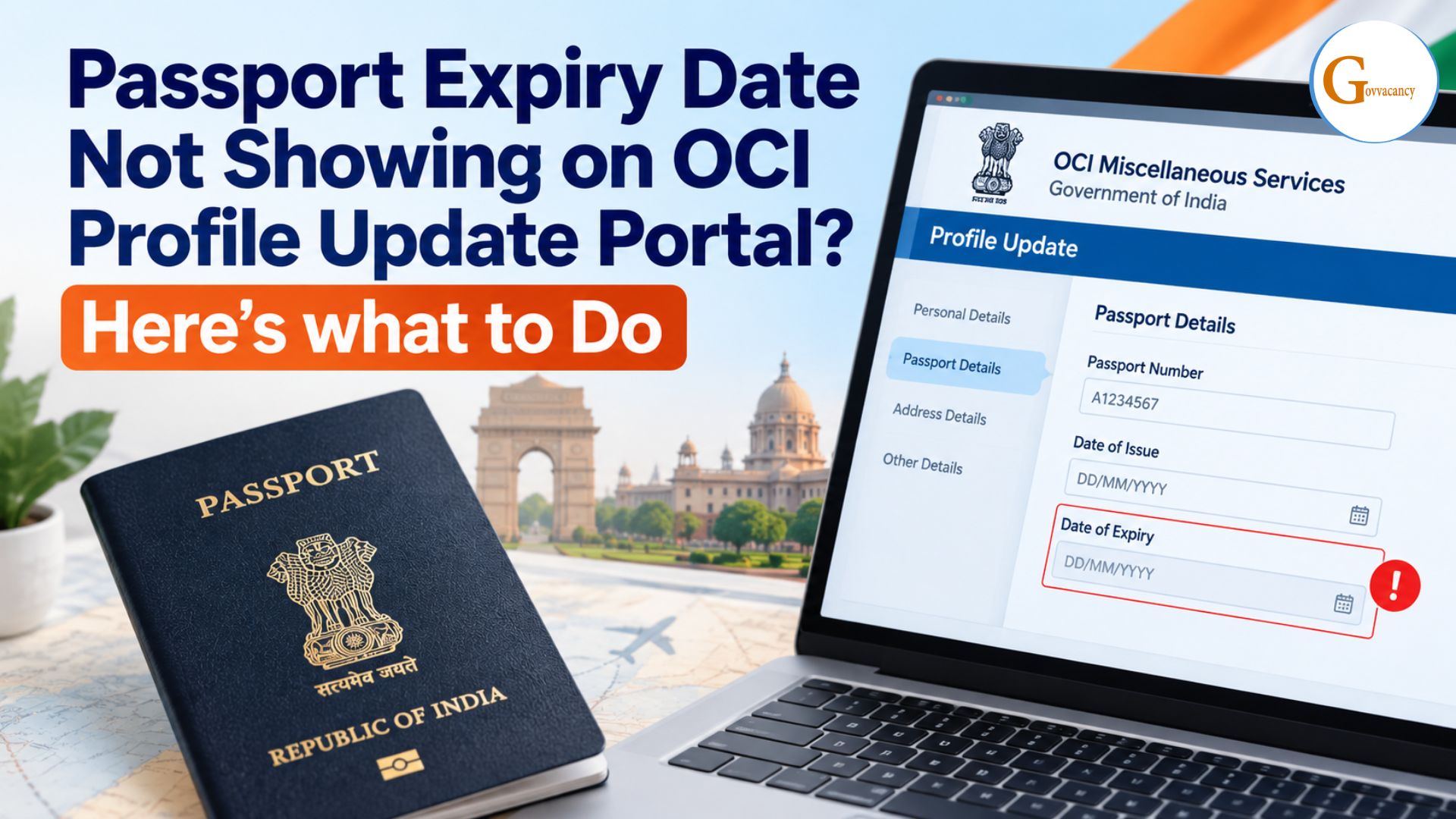
You open the OCI profile update page to add your new passport details, and the Passport Expiry Date Not Showing. It’s a small thing, but it can stop you from moving forward to the next step.
This happens to more OCI applicants than you’d expect, and it’s often fixable at your end.
In this guide, we’ll help you work out why the field isn’t showing, check your passport details properly, and follow a clear set of steps to resolve it. We’ll also cover what to do if nothing works.
OCI Miscellaneous Services portal
(ociservices.gov.in), try the following:
- Hard-refresh the page using Ctrl + F5.
- Switch to an Incognito window in Edge or Chrome.
- Disable browser extensions such as Grammarly or AdBlock.
- Upload the new passport page first, then use the built-in
calendar picker (DD/MM/YYYY) to set the expiry date.
Why Your Passport Expiry Date Isn’t Showing on the OCI Portal?
There is No Official published reason for this. But the common reasons are Given Below:
- Browser or page-loading issue
If part of the form does not load correctly, a date field or calendar control may not behave normally, and due to this, your expiry date is not Visible on your passport.
This can sometimes happen because of:
- An incomplete page load
- Browser compatibility issues
- Temporary website/server response problems
- Cached website data
- Auto-fill or browser extension interference
Temporarily disabling some browser extensions (Password managers, grammar extensions, and autofill tools) can interfere with form fields or pop-up controls, which may be why your expiry date field does not respond when clicked.
- Cached session information
If you previously started an OCI application, your browser may retain information from a previous old session. This can sometimes result in an old or incomplete version of a form being displayed.
- Passport document or form information does not match
The OCI portal instructs applicants to enter details according to the relevant passport information.
If your details do not match with current passport, then your passport does not show the details.
So it is important to update passport details on the OCI portal every time the passport is renewed.
- Date-entry problem
A date can appear incorrect or fail validation if it is entered in an unexpected format.
Where the portal provides a calendar/date selector, using that option can reduce manual-entry mistakes.
Quick Fixes to Resolve the Expiry Date Display Issue
Before cancelling your application, try these simple fixes:
Step 1: Refresh the OCI Portal
Perform a hard refresh of the page:
- Windows: Ctrl + F5
- Mac: Cmd + Shift + R
Then log in again and check the passport expiry field.
If the problem continues, open the OCI portal in:
- Chrome Incognito
- Microsoft Edge InPrivate
- Firefox Private Window
This helps rule out cached data and extension-related problems.
Step 2: Temporarily Disable Browser Extensions
If the date field or calendar is not responding, temporarily disable extensions such as:
- Password managers
- Autofill extensions
- Grammar/writing extensions
- Privacy or script-blocking extensions
Then reload the OCI portal and try again.
Step 3: Enter the Date Carefully
Check your passport and enter the expiry date exactly as printed.
The OCI portal uses date fields with the DD/MM/YYYY convention in its online forms.
If a calendar icon is available, use the built-in date selector rather than manually typing the date.
Step 4: Check the Passport Details Again
Before continuing, compare:
- Passport number
- Date of issue
- Passport expiry date
- Name
- Date of birth
The information should match your current passport.
Note: Do not guess the expiry date if the field is blank. Verify the information directly from your passport before proceeding.
What to Do If the Expiry Date Field Remains Blank or Uneditable?
If the passport expiry field is still blank after trying the basic fixes, work through the following options.
| Problem | What You Can Try |
| Expiry field is blank | Refresh the page and reopen the application |
| Calendar does not open | Try Incognito/Private Mode or another browser |
| Old information appears | Clear cached website data and start a fresh session |
| Field cannot be edited | Exit the current draft and initiate the service again |
| Passport upload does not trigger updated details | Recheck the uploaded passport page and document quality |
| Information still does not appear | Contact the concerned OCI authority/helpdesk with screenshots |
Workaround A: Try Another Browser
If you are using Chrome, try:
- Microsoft Edge
- Firefox
Open a fresh private window and access the portal again.
This can help determine whether the problem is specific to your browser session.
Workaround B: Start the Application Again
If your current draft appears stuck, you can consider starting the relevant OCI Miscellaneous Services process again rather than repeatedly editing a malfunctioning form.
Before doing this, make sure you have saved any application/reference information you may need.
Workaround C: Check Manual Entry and Document Upload Separately
If the expiry date does not populate automatically after uploading the passport, check whether the portal allows you to enter the date manually.
Do not assume that the portal has correctly extracted the date from the uploaded document.
Compare the displayed information with your physical passport.
Important: The official OCI FAQ confirms the documents required for passport-related Miscellaneous Services, but it does not state that the portal’s expiry field is automatically populated through OCR in every case. Therefore, always verify the displayed information yourself.
When to Contact OCI / VFS Support
If your passport expiry date is still blank or you cannot edit it, even after trying another browser, refreshing the page, clearing your browser data, or starting the application again, you should contact the OCI Helpdesk or the concerned Indian Mission/Post for help.
Contact Support If:
- The expiry date field is still blank.
- The date field is visible but cannot be edited.
- The portal shows an error while updating passport details.
- Your new passport details are not being accepted.
- You are unable to complete or submit the application because of the issue.
Keep These Details Ready Before Contact
When contacting support, provide:
- Full Name
- OCI Card Number
- Current Passport Number
- Application/Reference Number, if available
- Screenshot of the blank or uneditable expiry date field
- A short description of the problem
This will help the support team understand the issue and tell you what to do next. For applicants in India, the concerned FRRO may be relevant depending on the case; applicants outside India can contact the Indian Mission/Post having jurisdiction.
Frequently Asked Questions
1. Is an updated passport expiry date mandatory on the OCI portal?
Yes. If you are updating your passport details on the OCI portal, the passport expiry date should be entered correctly as shown on your current passport. If the field is blank, do not enter a guessed date. Try fixing the portal issue or contact the OCI Helpdesk before submitting the application.
2. How long does it take for updated passport details to reflect?
The time can depend on the type of OCI service and the verification/processing involved.
The official OCI FAQ states that for re-issuance of an OCI Card, the grant or otherwise of the re-issuance is ordinarily decided within one month from acknowledgement of the application on the online system.
This should not be interpreted as a guaranteed processing time for every passport-detail update.
3. Can I travel if my OCI passport update is still pending?
Yes, you may be able to travel while your OCI passport update is pending, provided your existing OCI card and current passport are valid and you meet the applicable travel requirements.
However, if your passport has been renewed and the OCI update is still pending, check the latest requirements for your specific situation before travelling, especially if your age or passport/OCI circumstances have changed.
You can also link this article internally to:
- How to Apply for OCI Miscellaneous Services Online: Step-by-Step Guide (2026)
- What documents are required for OCI Miscellaneous service in the USA
- OCI Card Processing Time in USA
